
POSSIBLE ROOT CAUSE
- Incorrect customer profile
- Incorrect pitcher programming
- Corrupt microSD card
REQUIRED TOOLS
- RFID key fob
- MicroSD card adapter
- Computer
REQUIRED PARTS
TROUBLESHOOT STEPS
STEP 1:
- Access the service menu.
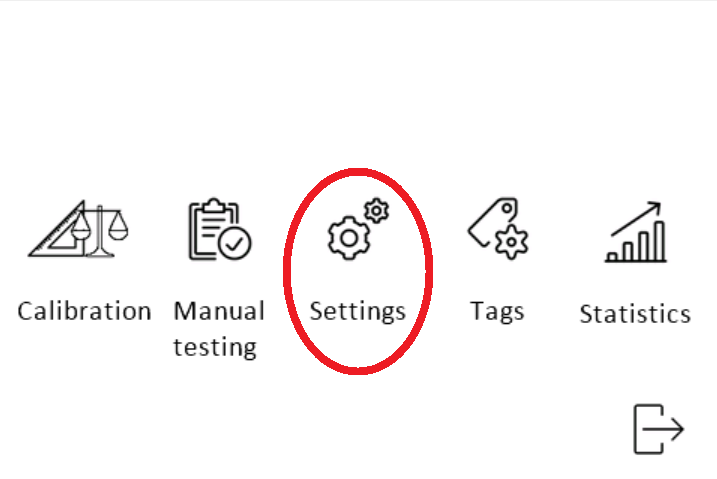
- Enter the settings menu.
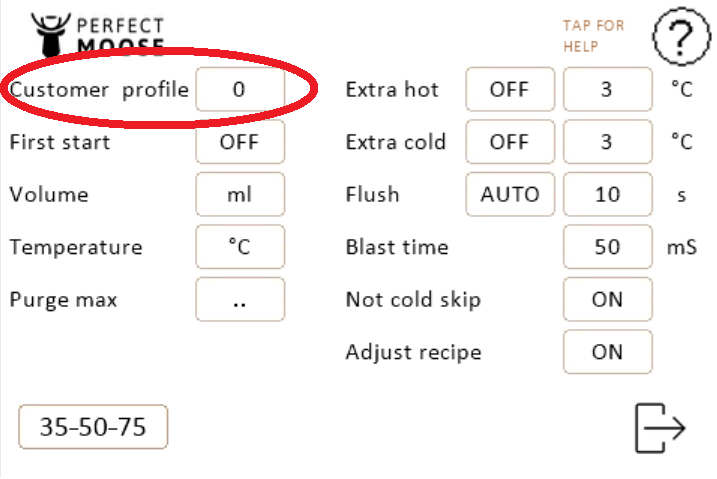
- Confirm that the correct customer profile is selected, this should be one of the following customer profile:
| 0 | Max starting temperature 27,5°C (Default) |
| 1 | Max starting temperature 20,5°C |
| 2 | Ultimate max starting temperature |
| 3 | Copy default customer profile |
| 10 | Belgian market |
| 11 | Belgian market |
| 12 | Belgian market |
| 20 | Australian market |
- Exit the service menu.
- Place a filled pitcher on the pitcher holder.
- Follow step 2 if the problem isn't fixed.
STEP 2:
- Access the service menu.
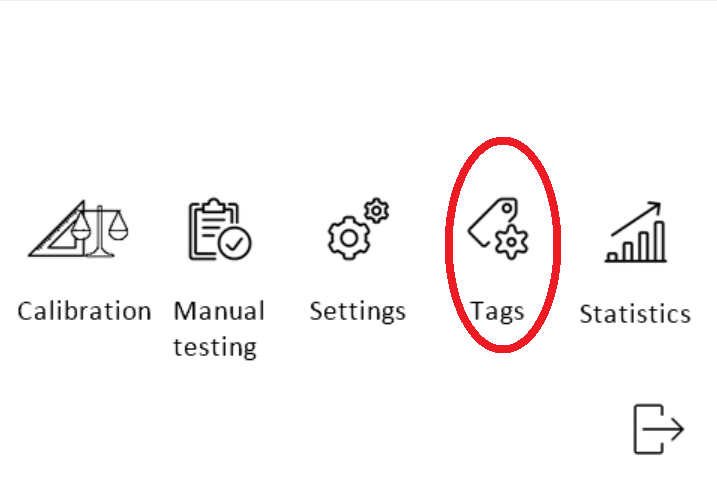
- Enter in the tags menu.
- Place an empty pitcher on the pitcher holder.
- Read the pitcher by clicking on 'READ'.
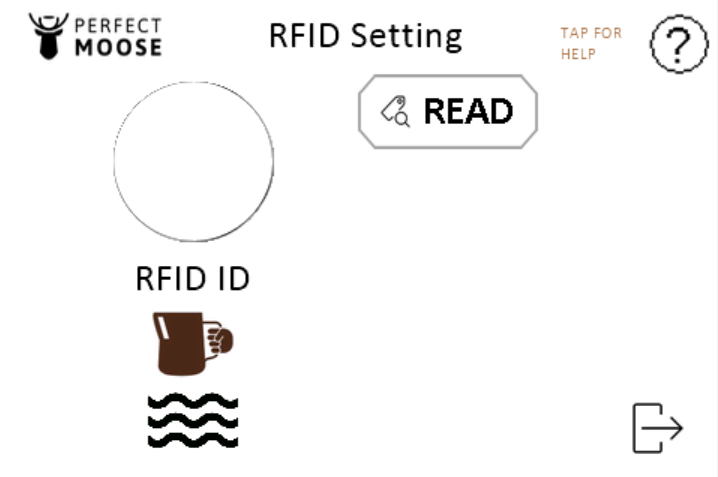 | 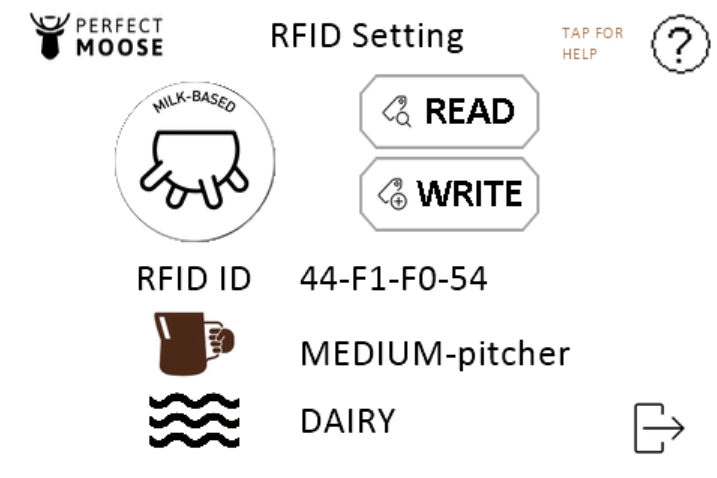 |
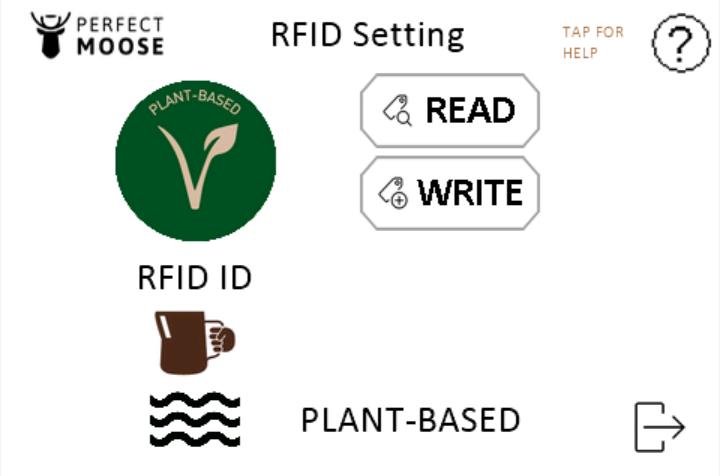
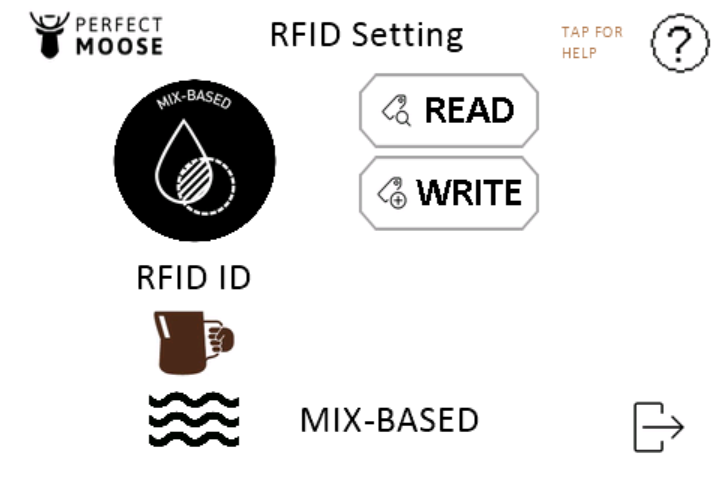
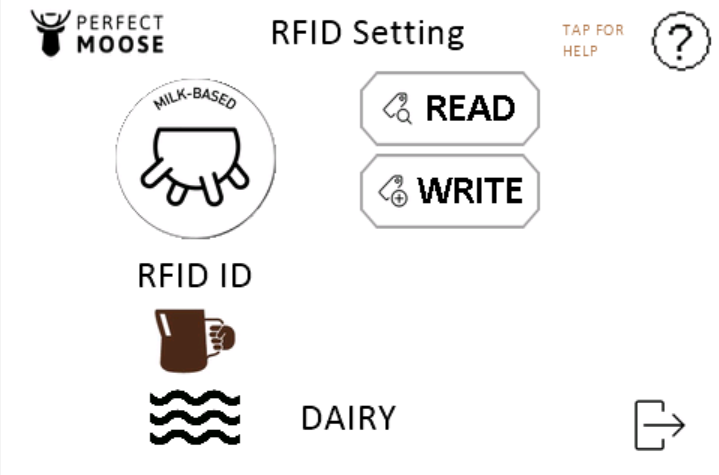
- Tap the circle until the correct pitcher type is shown.
- Write the parameters on the pitcher by clicking on 'WRITE'.
 |  |  |
- Exit the service menu.
- Place a filled pitcher on the pitcher holder.
- Follow step 3 if the problem isn't fixed.
- Contact the local Moose Ranger if reading or reprogramming pitcher isn't possible.
STEP 3:
- Replace the microSD card and install the latest recipe files.
- Place a filled pitcher on the pitcher holder.
- Contact the local Moose Ranger if replacing the microSD card isn't fixing the problem and the error code 'Recipe not available' remains on the screen.