
BEFORE YOU START
- Unbox the Moose unit
- Complete the Perfect Moose Jack installation procedure.
PROCEDURE
- Turn on the Perfect Moose Jack.
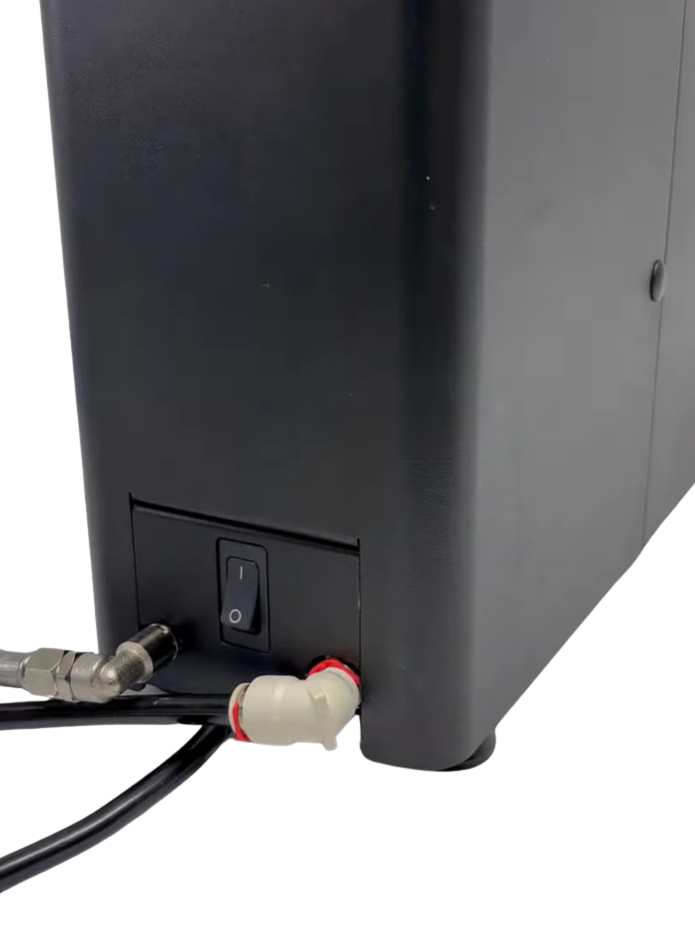
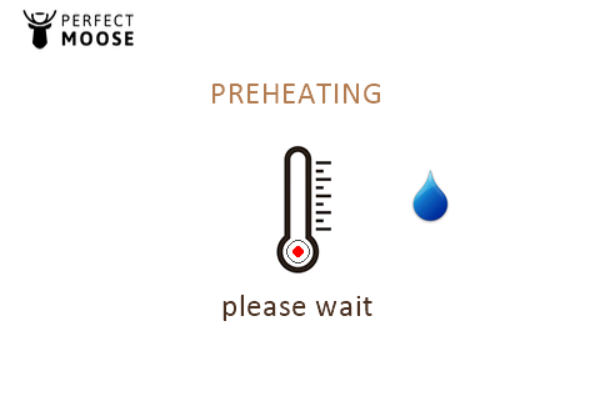
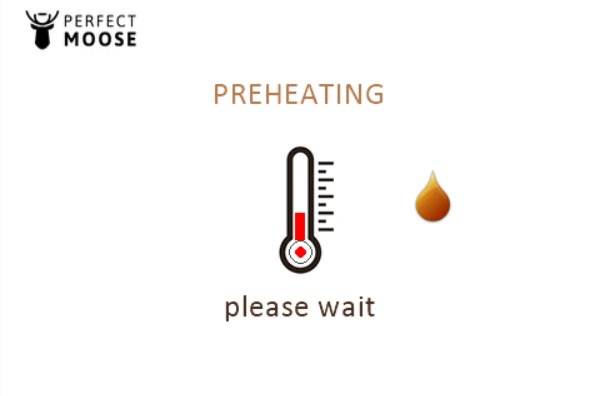
- Wait until the Perfect Moose Jack has heated up.
- BLUE DROPLET: The boiler is filling up with water.
- ORANGE DROPLET: The boiler contains enough water and has started heating.
- Check the boiler filling if the boiler doesn't start heating within 120 seconds after turning on the Perfect Moose Jack.
- Check the boiler heating if the water doesn't reach the required temperature within 300 seconds after heating starts.
 |  |
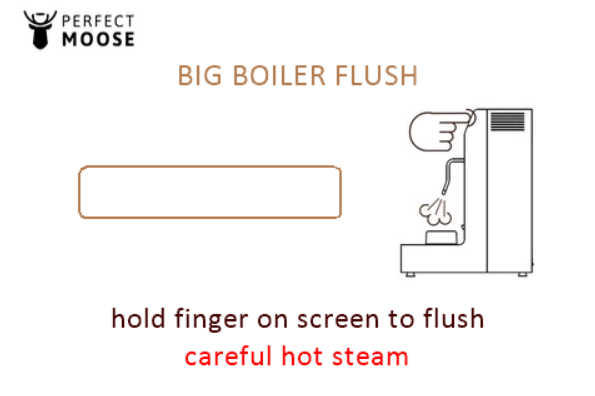
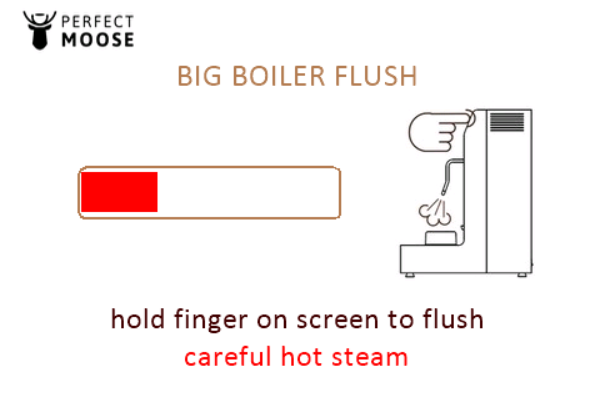
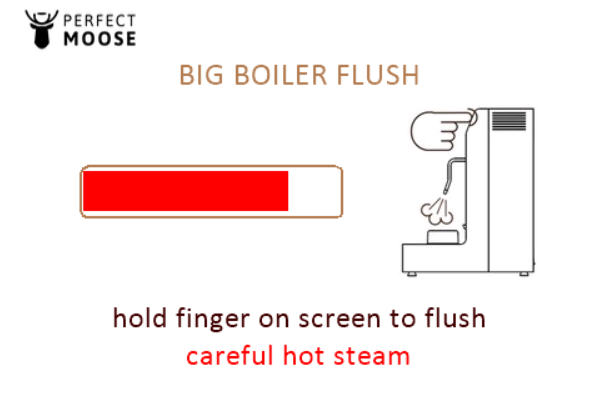
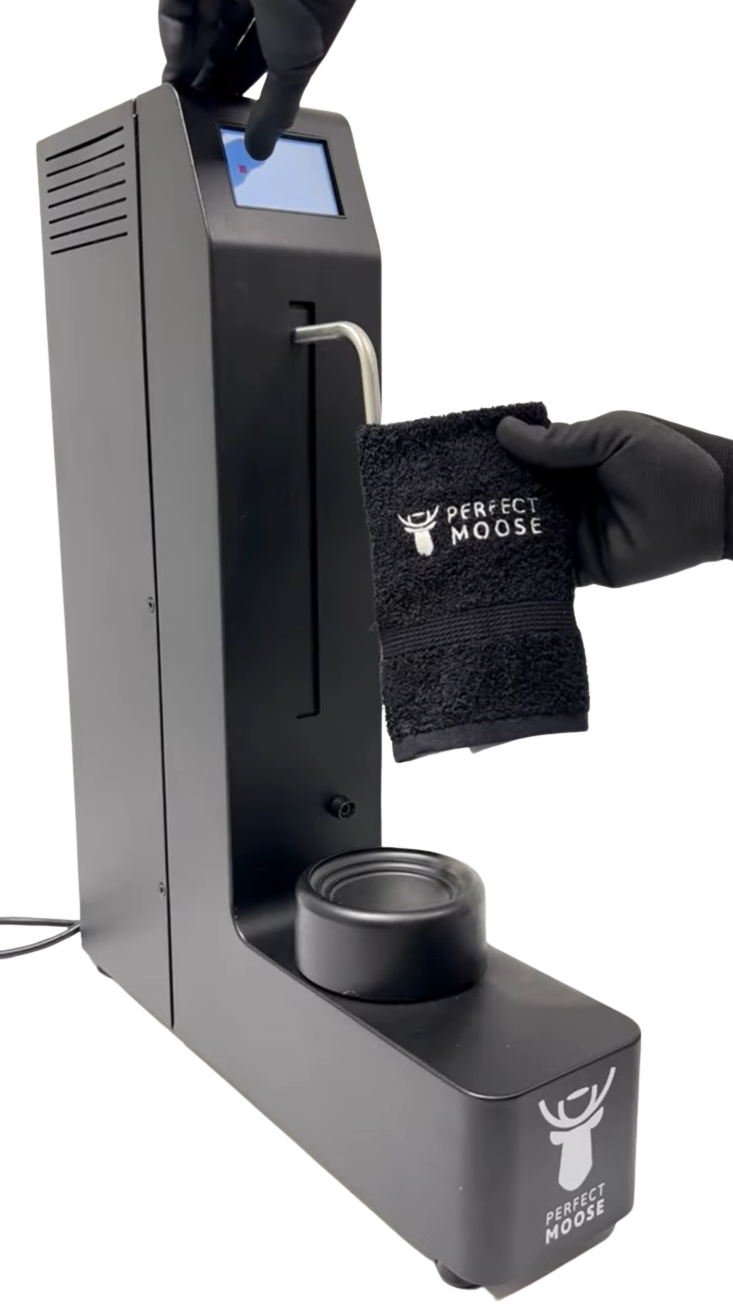
- The big boiler flush screen appears when the Perfect Moose Jack has heated up. Cover the steam wand with the Moose hanky. Press and hold the touchscreen to perform a big boiler flush.
 |  |  |
Select the required language.

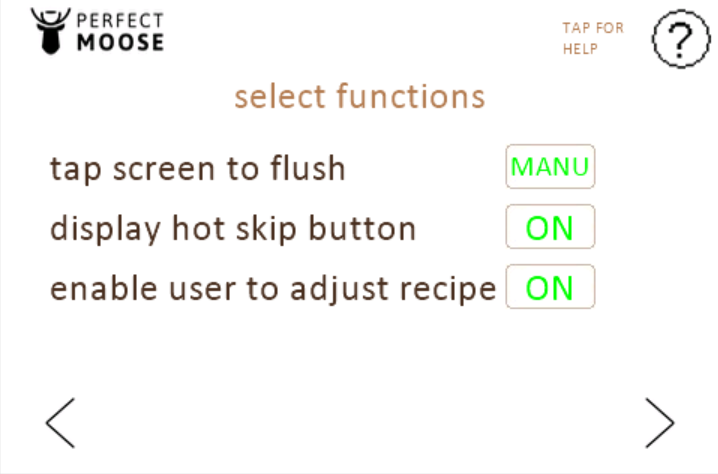
Select the functions.
Perfect Moose will flush steam through the nozzle to clean the nozzle after a steaming cycle.
AUTO: The Perfect Moose releases a short burst of steam when the steam wand reaches its top position.
MANUAL: Remove the pitcher from the pitcher holder and press the touchscreen to release a short burst of steam.
Hot skip button allows the user to overrule the error when the liquid is too warm to start a steaming cycle.
ON: The maximum allowed starting temperature can be overruled.
OFF: The maximum allowed starting temperature cannot be overruled.
Adjust recipe feature allows the user to reprogram the texture and end temperature of a pitcher.
ON: The texture and end temperature of a pitcher can be reprogrammed.
OFF: The texture and end temperature of a pitcher is locked.
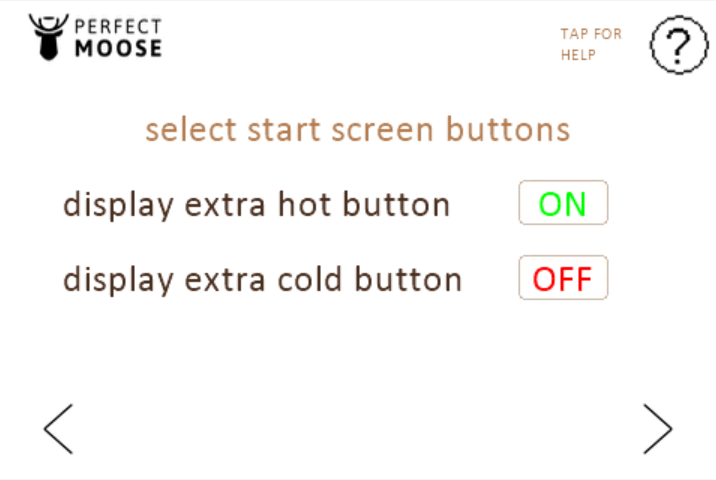
Select whether the extra hot and extra cold buttons are displayed:
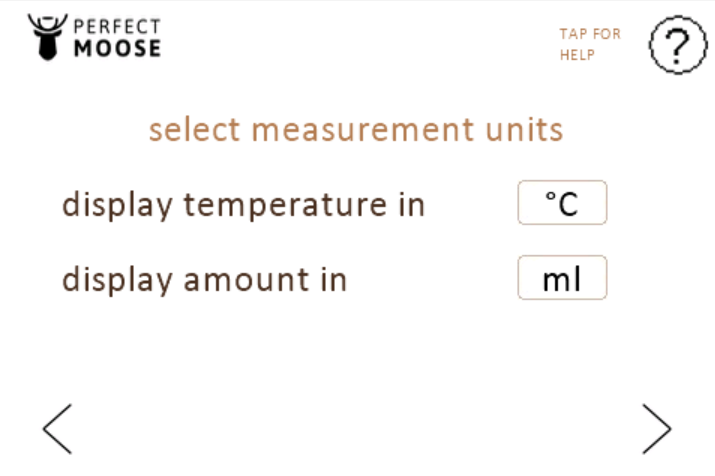
Select the measurement units:
Temperature
°C or °FLiquid amount
ml or oz
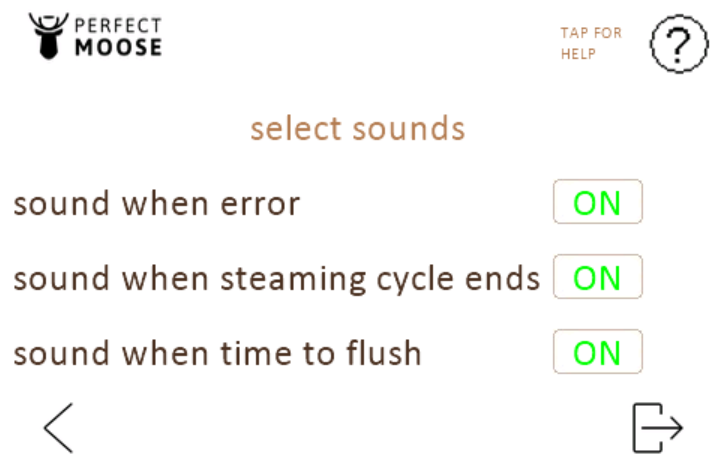
Select the sound settings:
ERROR: Sound when an error code is triggered.
STEAMING CYCLE END: Sound when the steam wand reaches the top after a steaming cycle.
TIME TO FLUSH: Sound when the flush is not performed within 10 seconds after a steaming cycle.
Ready to steam.