REQUIRED TOOLS
- RFID key fob
- Authenticator app
PROCEDURE
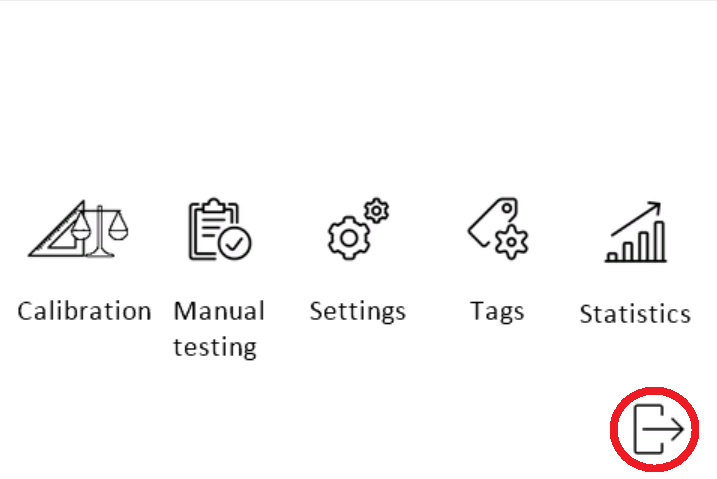
- Access the service menu
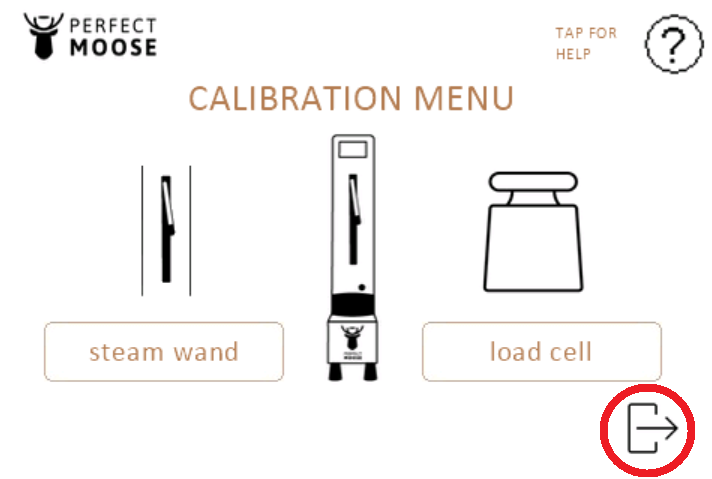
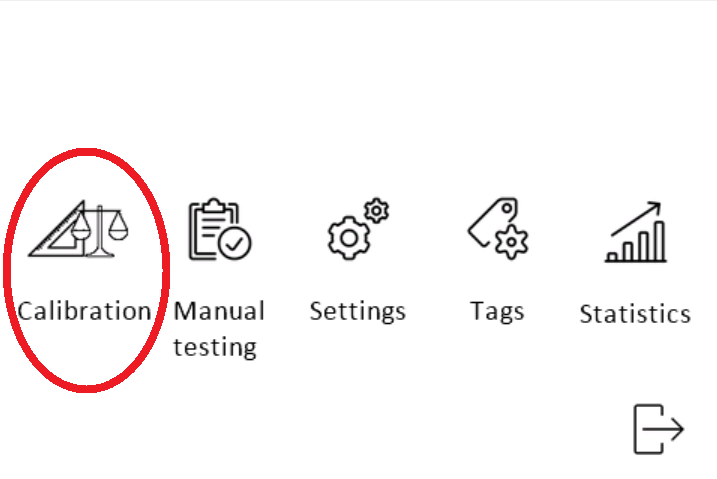
- Enter the calibration menu.
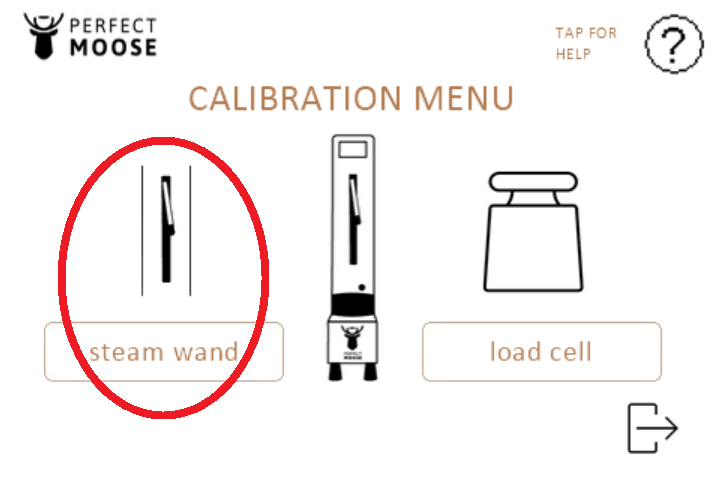
- Enter the steam wand calibration menu.
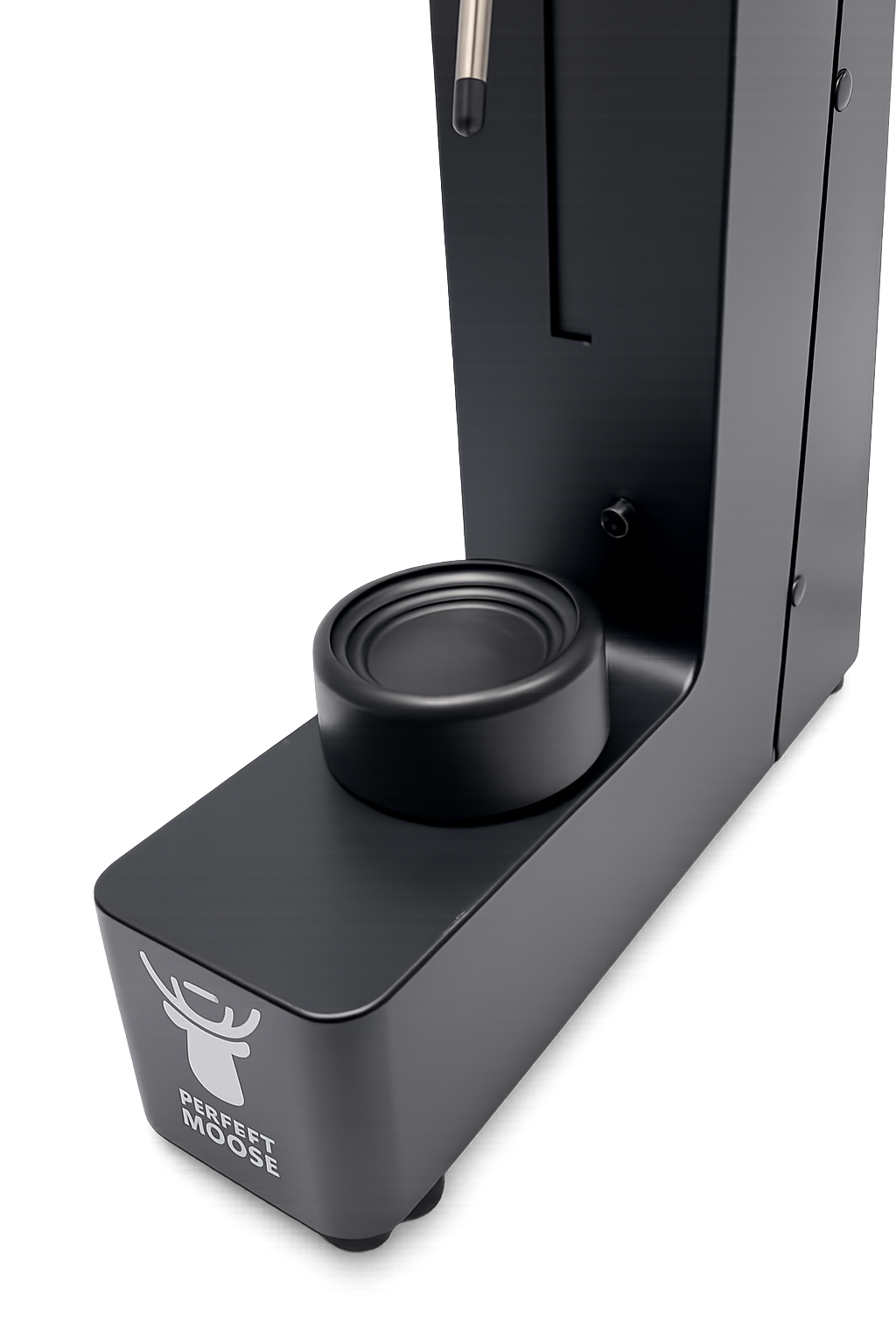
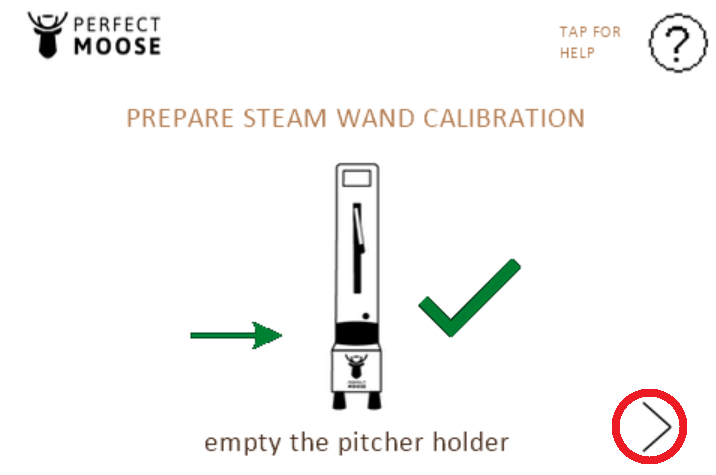
- Remove all items from the pitcher holder and make sure nothing is touching the pitcher holder.
Go to the next screen by pressing on the bottom right corner.
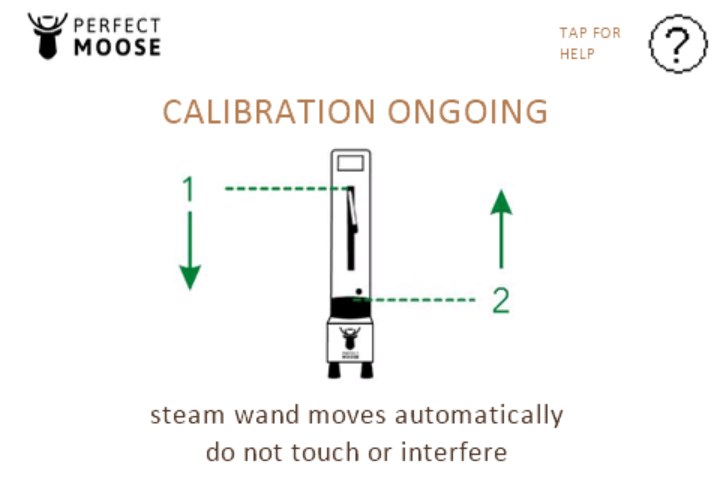
The steam wand will move automatically downwards until it touches the pitcher holder and back upwards. Do not touch or interfere the Moose during the steam wand calibration.
- Exit the menu to the ready-to-steam screen.