REQUIRED TOOLS
- RFID key fob
- Authenticator app
- Load cell calibration weight (1kg)
PROCEDURE
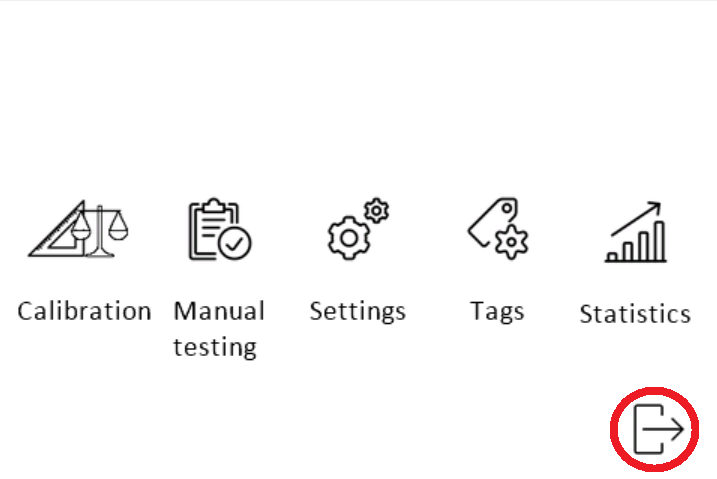
- Access the service menu
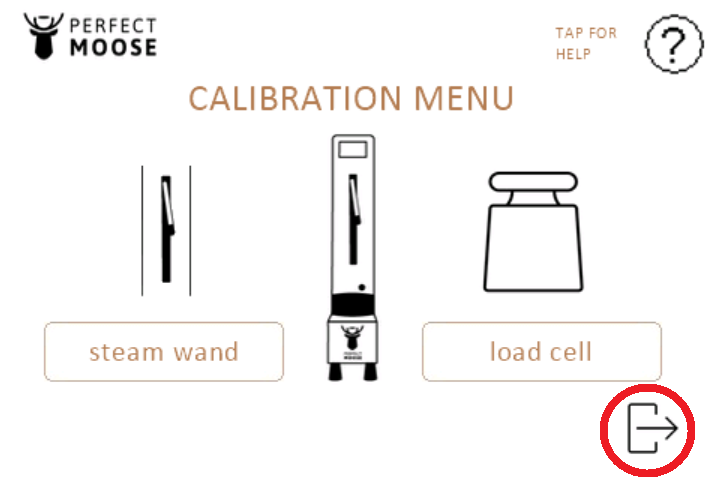
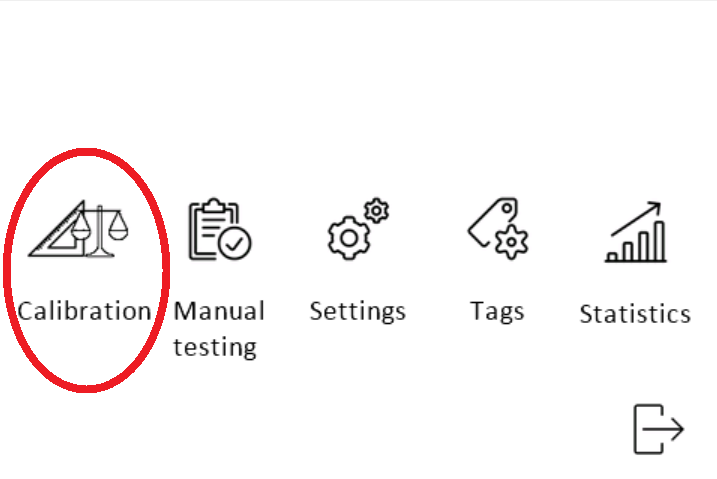
- Enter the calibration menu.
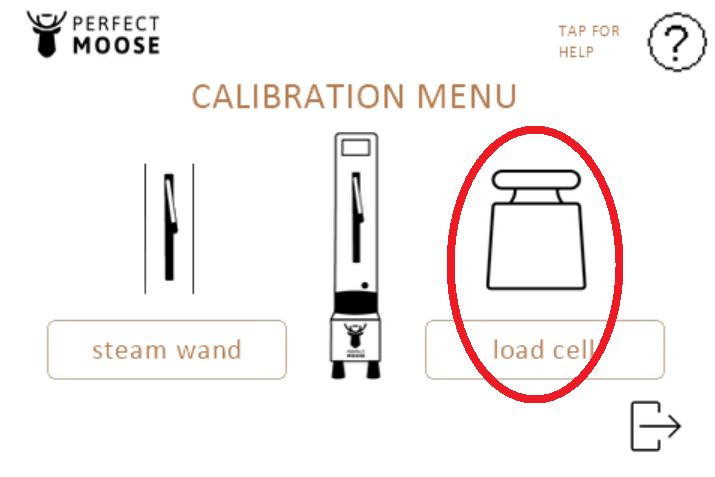
Enter the load cell calibration menu.
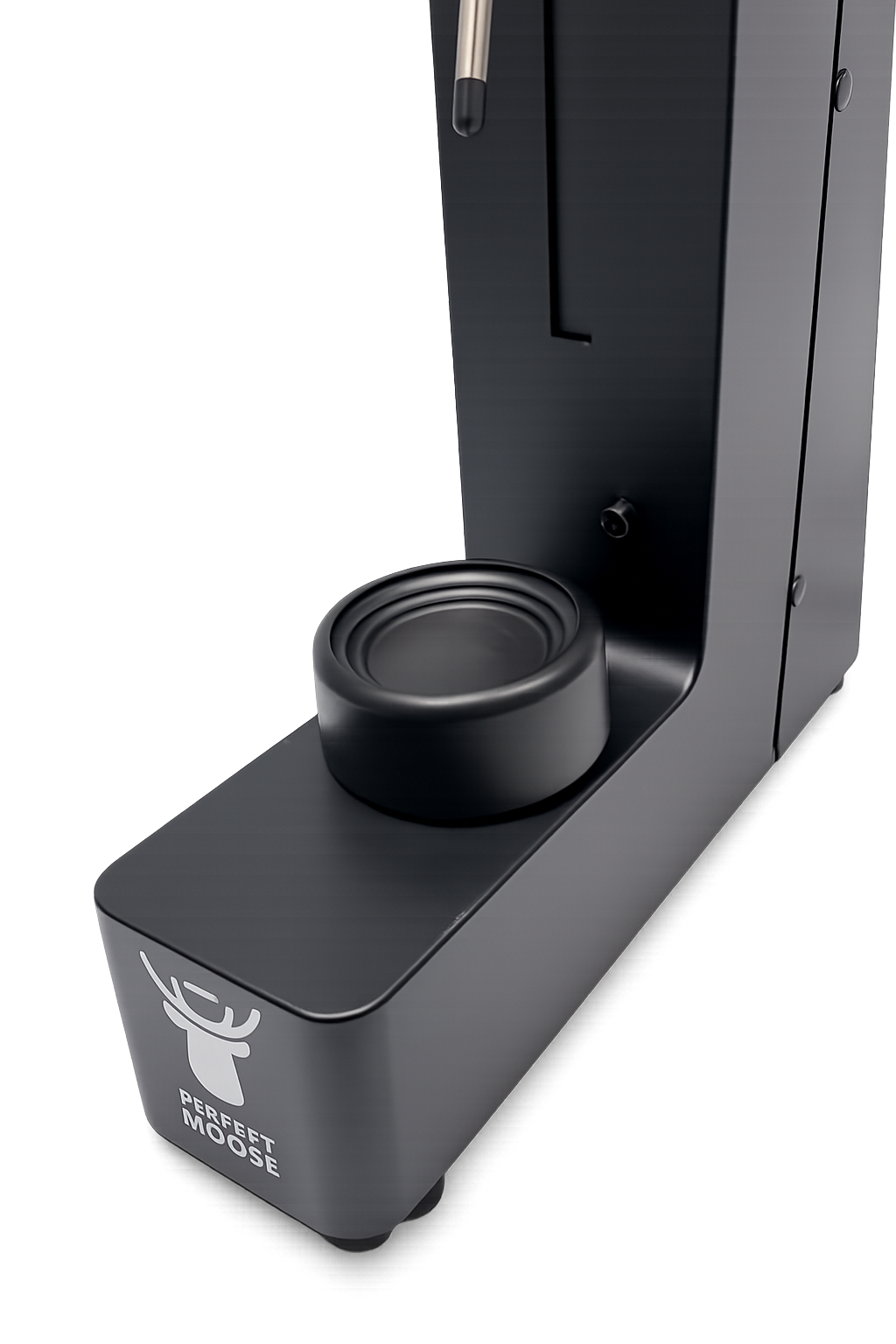
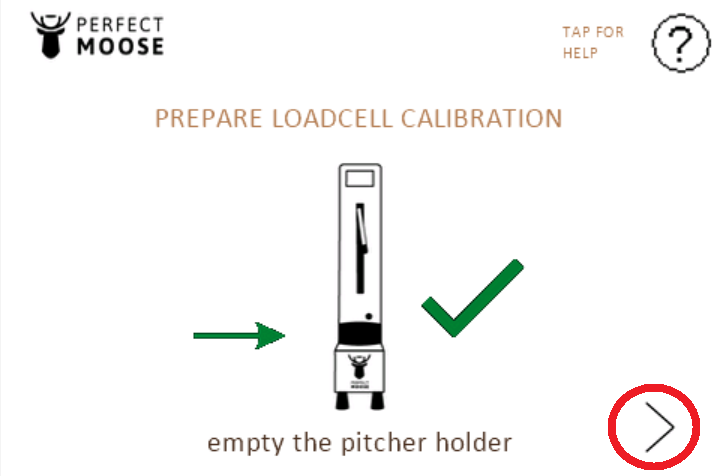
- Remove all items from the pitcher holder and make sure nothing is touching the pitcher holder.
- Go to the next screen by pressing on the bottom right corner.
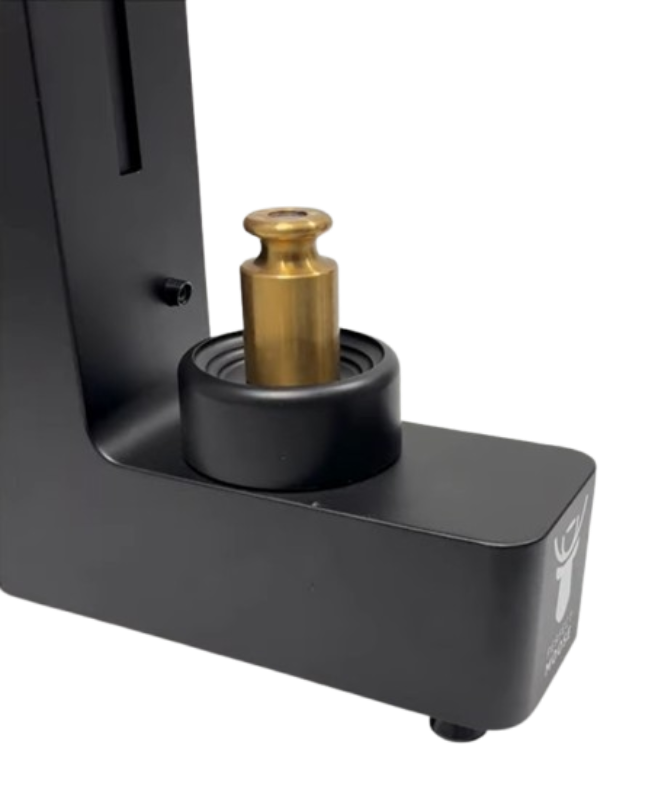
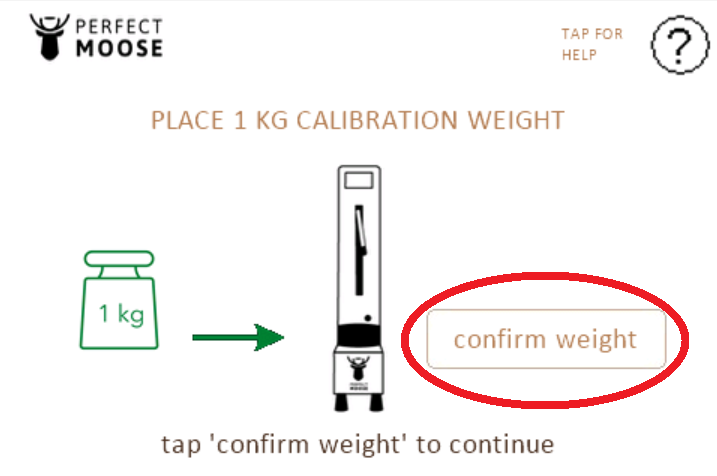
- Place the 1kg load cell calibration weight on the pitcher holder.
- Confirm the weight reading by pressing on the button.
- Remove the 1kg load cell calibration weight from the pitcher holder.
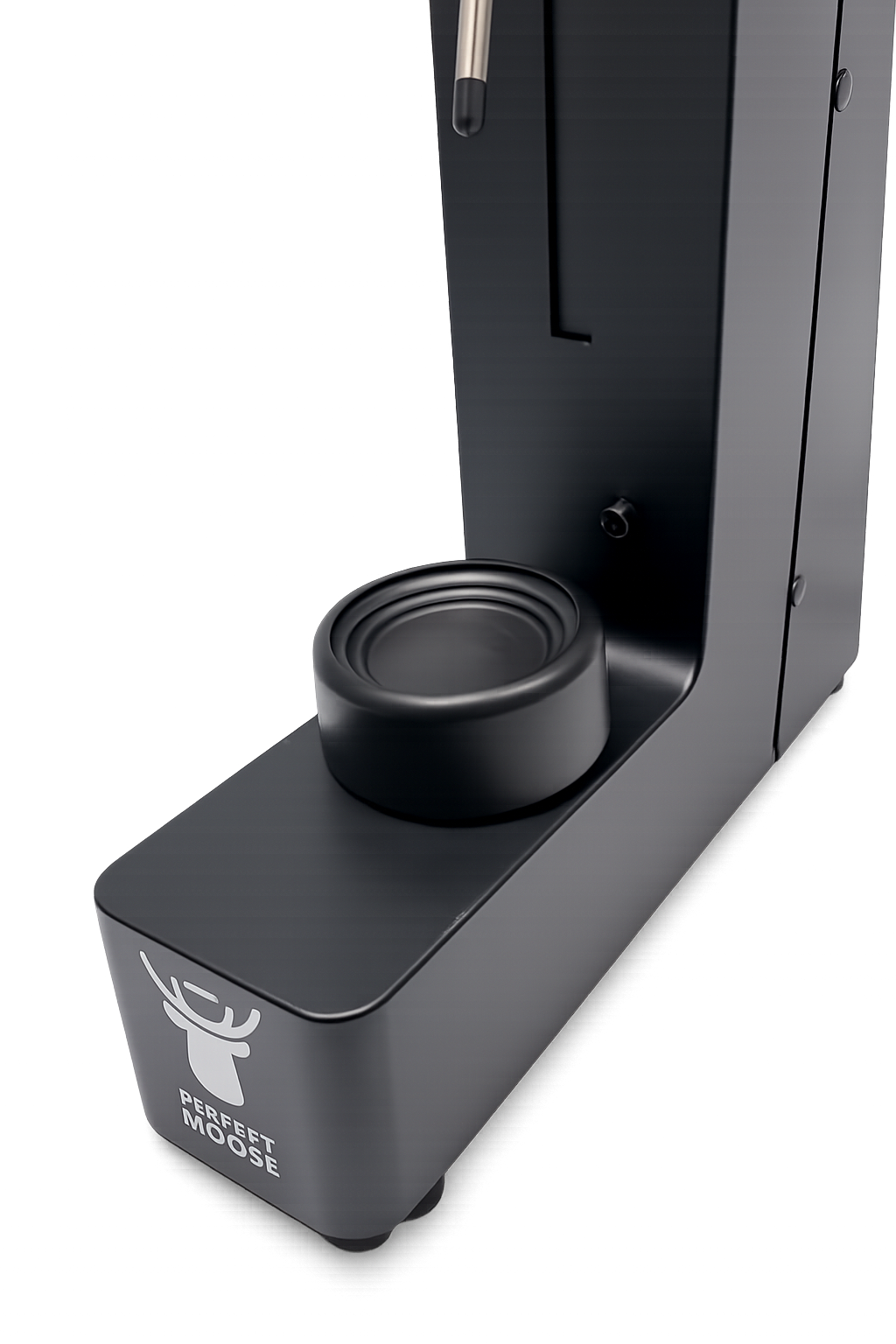
- Exit the menu to the ready-to-steam screen.