
REQUIRED TOOLS
PROCEDURE
- Acces the service menu
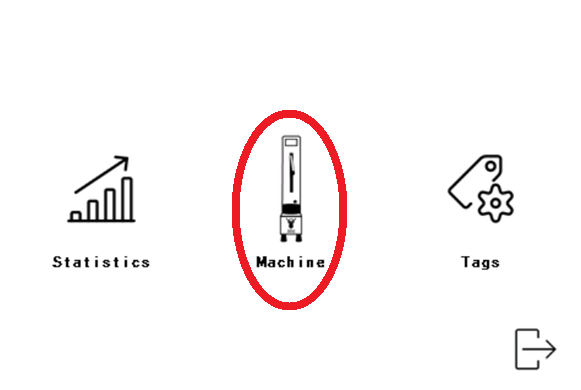
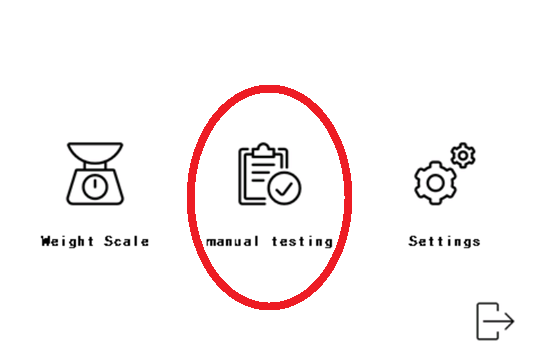
- Go into the 'service menu', 'machine' and 'manual testing'

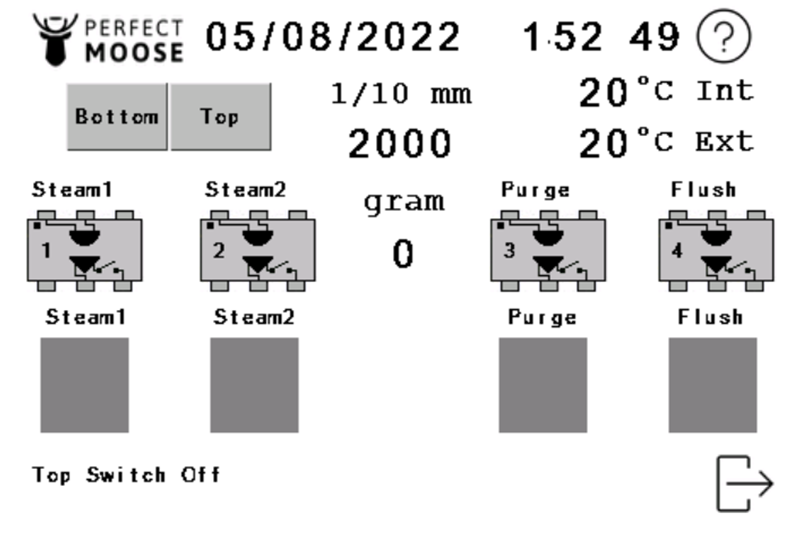
- Stepper motor test
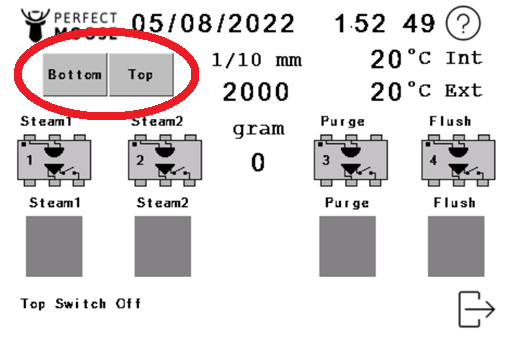
- BOTTOM - Downward movement of the steamwand
- TOP - Upwards movement of the steamwand
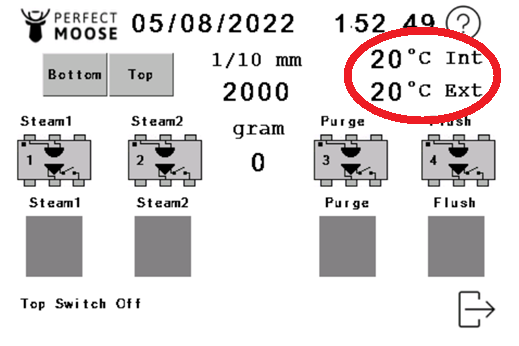
- Temperature sensore test
- INT - Internal temperature
- EXT - External temperature
- Load cell test
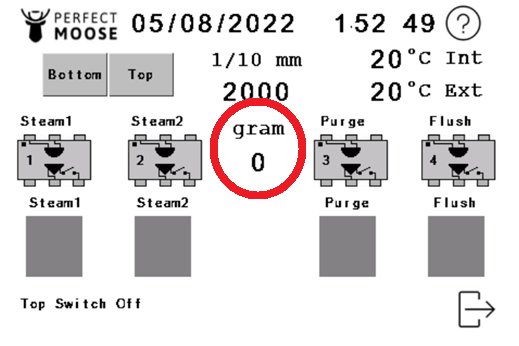
- GRAM - Weight on the loadcell
- Valve test
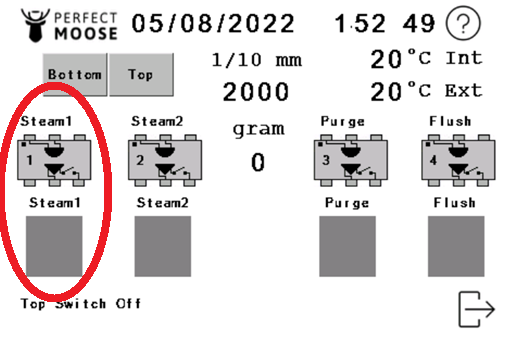
- STEAM 1 - Opening/closing steamvalve 1
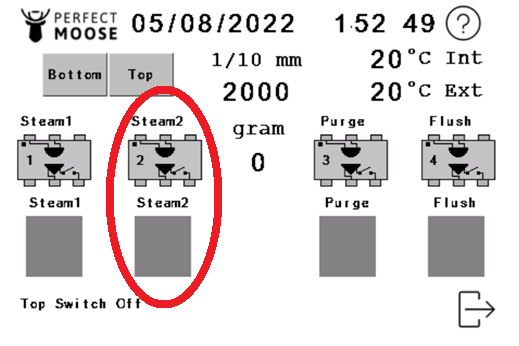
- STEAM 2 - Opening/closing steamvalve 2
- PURGE - Opening/closing purge valve
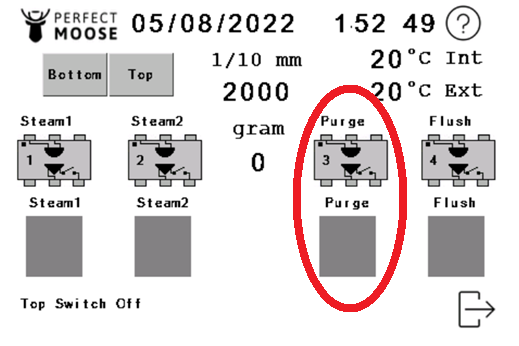
- xx
- xx
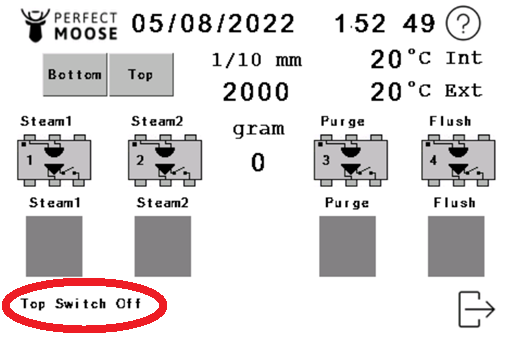 | 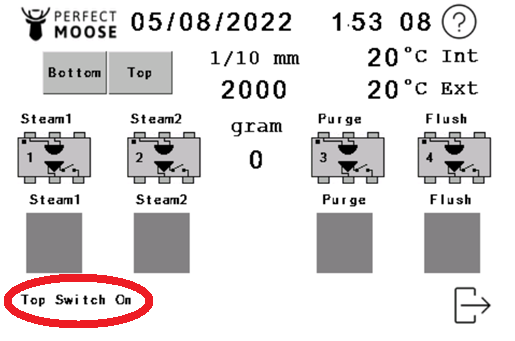 |
- xx
- xx
 Don't have a RFID key fob to enter the service menu?
Install the authenticator app and add the Perfect Moose account to the app. Check the manual on how to access the service menu.
- Stepper motor test :
When pushing the bottom button the steam pipe will move down as in the calibration mode until it touches the pitcher holder. The height will indicate 0.
When pushing the top button the steam pipe will go up to the top switch and the total height will be displayed.
- Temperature :
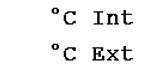
Displays the temperature measured by the temperature sensor in real time internal and external. By putting a hot object in front of the sensor you can check it.
- Weight :
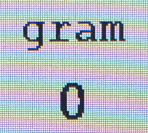
Displays the weight on the pitcher holder. Should be on 0 when it's empty. Can be used to check the calibration when you place 1 kg. Never put more than 2 kg's on the holder.
- Steam test :
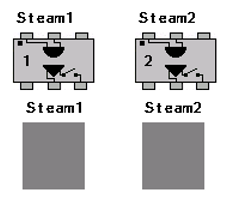
Prepare a barista towel or cloth before performing this test.
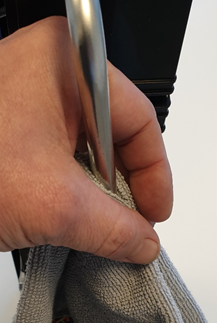
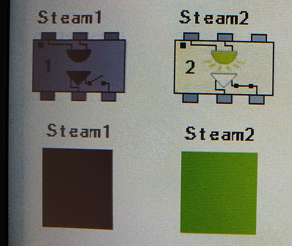
By pressing Steam 1 and/or Steam 2 you can test the valves providing steam to the steam wand. Caution ! Hot steam will come out of the steam wand
- Purge test :
Make sure the drain is correctly installed. See : Drain installation
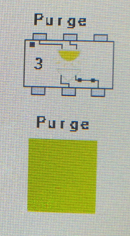
By pressing the purge button the drain valve will be opened evacuating steam to the drain.
- Flush test :
For later use.
- Top switch :

By gently moving the steam wand up until it reaches the top switch (click), the state should change to 'on'