
REQUIRED TOOLS
REQUIRED PARTS
- Pitcher
PROCEDURE
- Acces the service menu
- Go into the 'service menu' and 'tags'
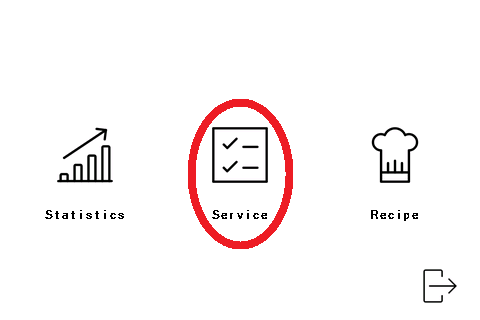
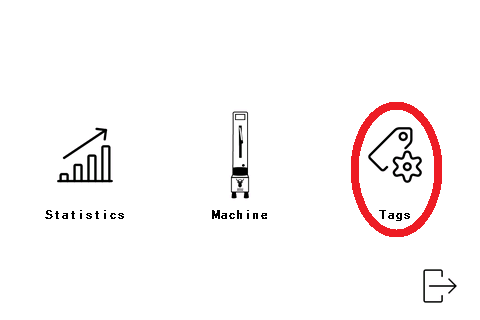
- Place an empty pitcher on the pitcher holder.
- Fill in the top left table with the correct Product, Container and Recipe.
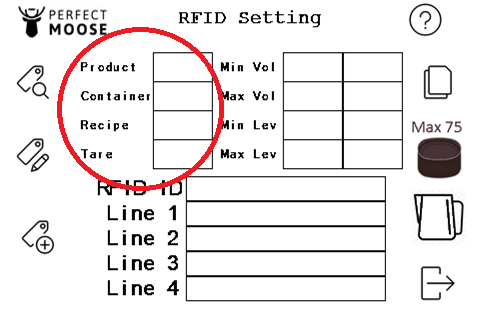
| Product | D (for dairy milks) V (for plant-based m*lks) C (for mix drinks) |
| Container | S (for 35cl pitcher) M (for 50cl pitcher) L (for 75cl pitcher) X (for 100cl pitcher) |
| Recipe | 1 (Always use recipe number 1) |
| Tare | This will be filled in automatically by the load cell. |
- Press the image of the pitcher-holder-button on the screen. The parameters on the top right will be filled in automatically by pressing the pitcher-holder-button. The parameters are the minimum and maximum volume of milk that can be used in the pitcher according to the pitch. The minimum and maximum parameters for level on the left are used for Perfect Moose Greg and the right parameters are used for Perfect Moose Epic Greg.
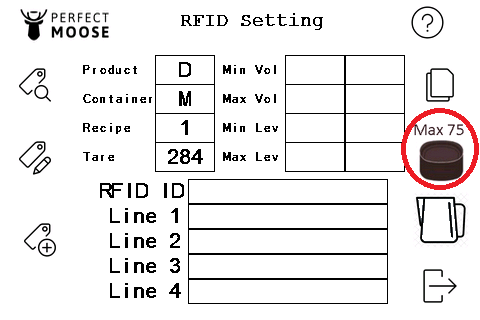
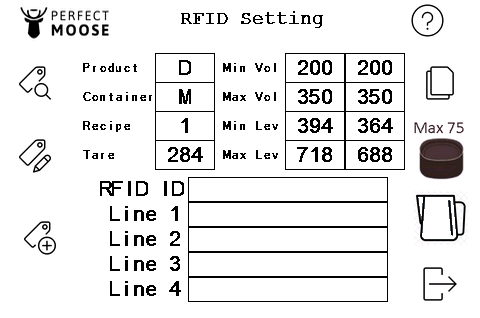
- Write the parameters on the RFID of the pitcher by pressing the bottom left button.
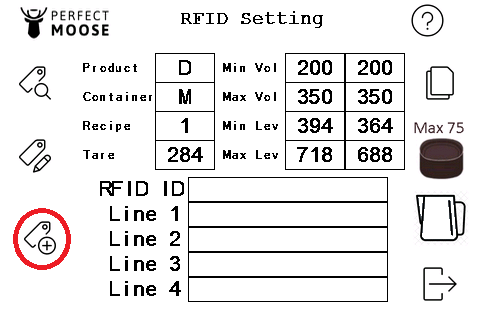
- Read the parameters on the RFID by pressing the top left button.
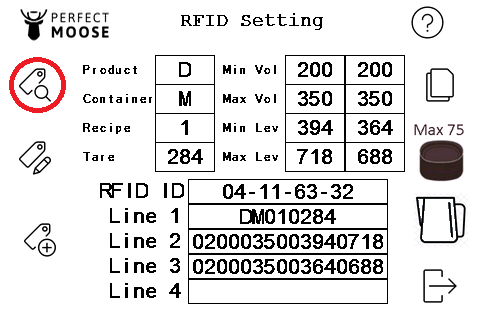
- Now the RFID-tag on the pitcher is programmed with the correct Product and Container. The pitcher can be used for Greg and Epic Greg Perfect Moose, because the parameters for both configurations are written on the RFID-tag.
| RFID ID | RFID name |
| Line 1 | Recipe and tare weight |
| Line 2 | Greg parameters (volume and level) |
| Line 3 | Epic Greg parameters (volume and level) |
| Line 4 |
- Go out of the menu by pressing the bottom right button.
- Place an empty pitcher on the pitcher holder.

- Click the 'Program pitcher' button and choose the texture and temperature with the slider.
- Save the recipe by pressing on the floppy disk.
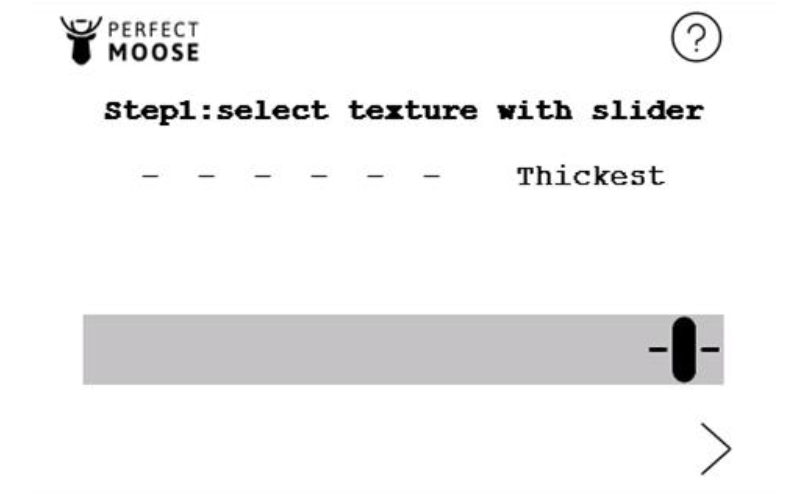
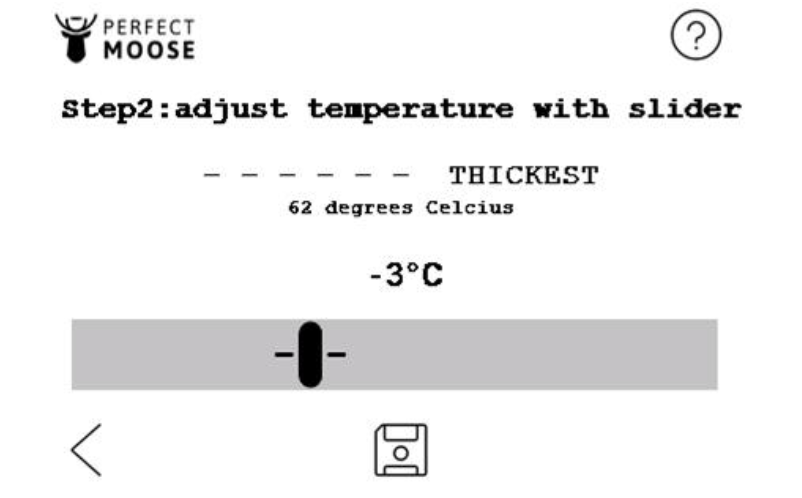
 Can I adjust texture and temperature of the microfoam?
Yes, by clicking here you can see the manual to adjust the recipe that is programmed on your pitcher.