
REQUIRED TOOLS
- Screwdriver T10 Torx head
- Screw driver T25 Torx head
- Allen key #5
- Computer
- µSD-card adapter
REQUIRED PARTS
- µSD-card
- Formatted as FAT32 under Windows
- Under 32GB
- Class 10
- HC
- Microsoft Windows (Not compatible with Apple macOS or iOS)
- Touchscreen in holder (Ref 13106)
- Screen software
BEFORE YOU START
|
|

PROCEDURE
- Place only the TFT-file on a µSD-card. Make sure no other files or folders are on the µSD-card.
- Place the µSD-card in the µSD-slot of the touchscreen.
- Switch on the power of the Perfect Moose to start uploading the screen software on the touchscreen.
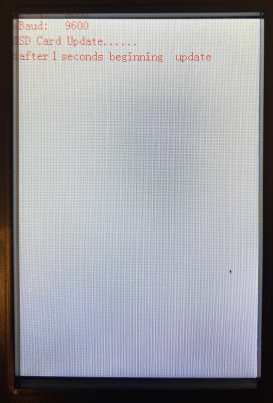 | 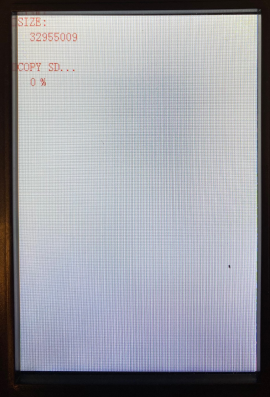 |
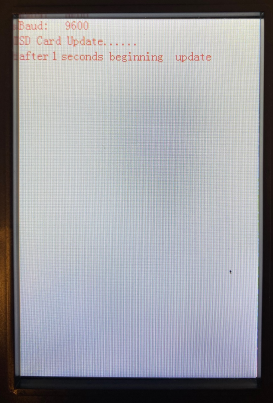 | 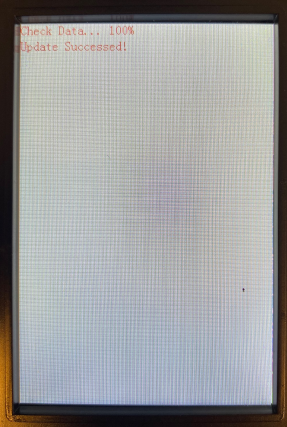 |